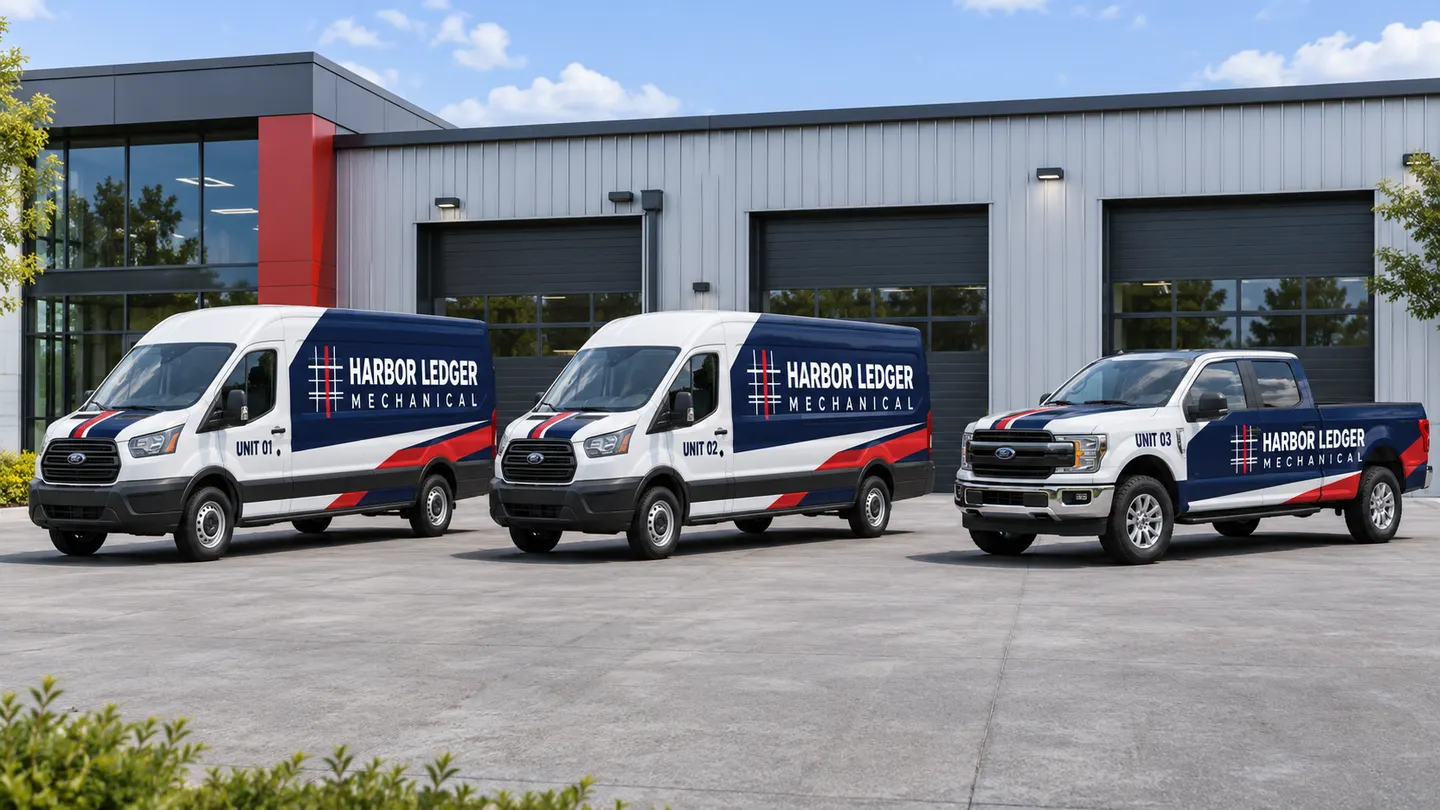
Define the events that change a record
List additions, repairs, rebranding, reassignment and removal as explicit update triggers. Name the person who reports each event and the person who edits the register. The same person can do both, but the responsibility should not depend on whoever remembers seeing the vehicle last.
Keep the stable unit identity separate from branch and driver assignments. If a new vehicle takes an old fleet number, record the replacement relationship and retain the original body and installation history. Otherwise future requests can accidentally combine one vehicle’s photos with another vehicle’s artwork.
- Name update triggers in the fleet process.
- Separate unit identity from current assignment.
- Record replacement vehicles as an explicit change.
Use revisions rather than silent overwrites
When a unit receives new artwork or only one replacement panel, record the affected surfaces and effective revision. Keep earlier references as history. A coordinator should be able to tell whether a photograph shows the current installation or a prior identity without asking someone who attended the original job.
Keep supplier and project references with the relevant change. Where exact film information is missing, label it unknown and retain the source of whatever is known. A guessed product name may create more confusion than a clearly documented gap that can be resolved with the original provider.
- Date meaningful graphic and body changes.
- Identify partial updates by surface.
- Keep the evidence behind corrected product information.
Close retired records deliberately
Mark vehicles that are sold, returned or removed from the operating fleet. Preserve records according to the business’s own retention needs and protect any private information they contain. Removing a unit from the active list should not erase the evidence needed to understand its final graphics status.
Review active records against a current fleet inventory and recent condition photos. Keep applicable care documents tied to the recorded installed construction, using manufacturer sources for exact-product questions. The register helps organize work; it does not establish legal ownership, warranty transfer or a guarantee about a retired vehicle’s condition.
- Remove retired units from active scheduling views.
- Retain useful history under the business policy.
- Reconcile the active register with real vehicles.
Keep a working record
Before you approve the next step
- Assign a record owner.
- Define additions and changes as triggers.
- Keep stable unit references.
- Record partial updates by surface.
- Mark retired vehicles deliberately.
- Reconcile the active list with the actual fleet.
Use the free planning tool to organize the details you can confirm and the questions still open.
Four questions before the next step
Should a branch transfer create a new graphics record?
Keep the vehicle’s stable history and update its assignment. Create a distinct record when the actual vehicle changes, while preserving the relationship if an old fleet number is reused.
Read the detailed guide: Keep graphics records useful when vehicles change
Can the register replace original supplier records?
It should link to or retain them where available. The register summarizes the evidence; original scopes, proofs and installed-product documents remain important references.
Read the detailed guide: Keep graphics records useful when vehicles change
Should every vehicle use the latest artwork revision?
Record what is actually installed. A rollout may intentionally contain several versions, and the register should help distinguish them rather than overwrite their history.
Read the detailed guide: Build an installed-graphics register a second person can use
Is a completed register a warranty document?
No. It points to supplier and product records. Applicable warranty terms and eligibility need their own current documentation and confirmation.
Read the detailed guide: Build an installed-graphics register a second person can use
Original technical sources
Use the linked publisher's current instructions for the exact product and vehicle. This planning guide does not replace its application, safety or warranty requirements.